Private AI Email Writer
A private AI email writer that never sees the cloud
Short answer: Vault AI drafts, replies to, and rewrites emails right on your iPhone using Apple Intelligence — so the contents of your message never touch a server. No copy-pasting sensitive work or personal email into a website, no account, and it works offline.
Using a cloud chatbot to write email means pasting your actual words — client details, a complaint, a resignation, a sensitive HR note — into a company's servers. Most people do it anyway because it's convenient. A private email writer gives you the convenience without the exposure.
What a private email writer helps with
- Cold and follow-up emails that actually get a reply.
- Tricky messages — pushing back, declining, apologizing, negotiating.
- Tone shifts — take a blunt draft and make it warm, or a rambling one and make it tight.
- Replies — paste the email you got and get a solid response.
How to write emails privately with Vault AI
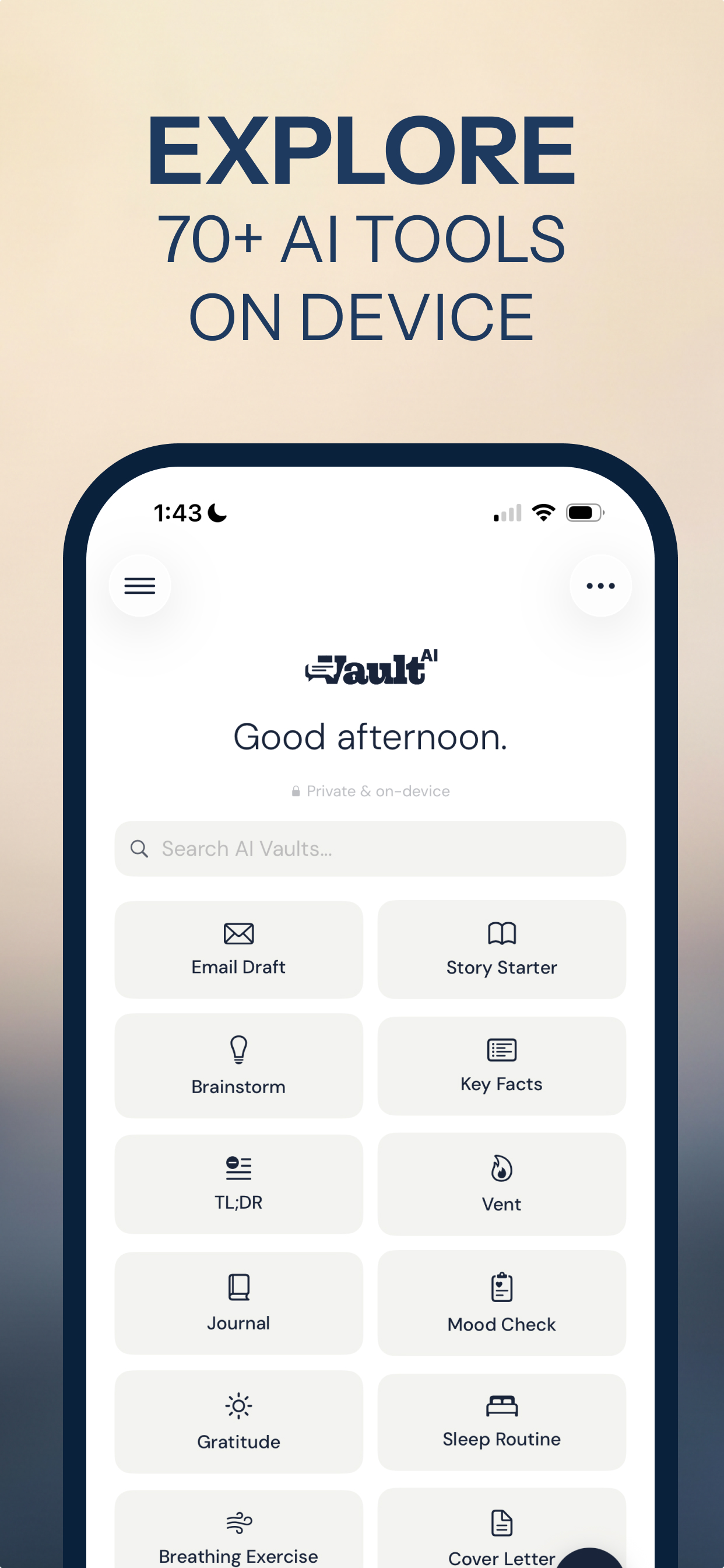
- Open the Email Draft tool in Vault AI (one of 70+ built-in tools).
- Describe the email. "Reply to a client asking for a discount — polite but hold my price," or paste the message you're responding to.
- Get a draft instantly, generated on your phone. Ask for a different tone or a shorter version if you want.
- Copy it into Mail. Done — and nothing you wrote ever left the device.
Set a profile so it sounds like you
Add your name and role in Vault AI's profile (stored on device) and the email writer tailors drafts to your context — no need to re-explain who you are every time.
Write better email without giving it away
Free to download · $2.99 one-time unlock · No subscription
Download Vault AI on the App Store