Private AI Assistant
A private AI assistant that keeps your data on your device
When you use a cloud chatbot, your words travel to a company's servers. That's fine for "write me a haiku." It's not fine for a medical worry, a legal question, your salary, a rough draft of a resignation, or anything about your family. Those end up logged on infrastructure you don't control.
A private AI assistant removes the server from the equation entirely.
What "on-device" and "private" actually mean
- On-device: the AI model runs on your iPhone's own chip. There is no request to the internet.
- No account: nothing to sign up for means nothing tied to your identity.
- No tracking: your prompts aren't collected, sold, or used to train a model.
- No cloud storage: your chats and notes live in the app on your phone, not in someone's database.
Not every "private" app clears this bar. Some still route through a server "securely." The only version that fully protects you is one where the data physically never leaves the device.
How to use Vault AI as your private assistant
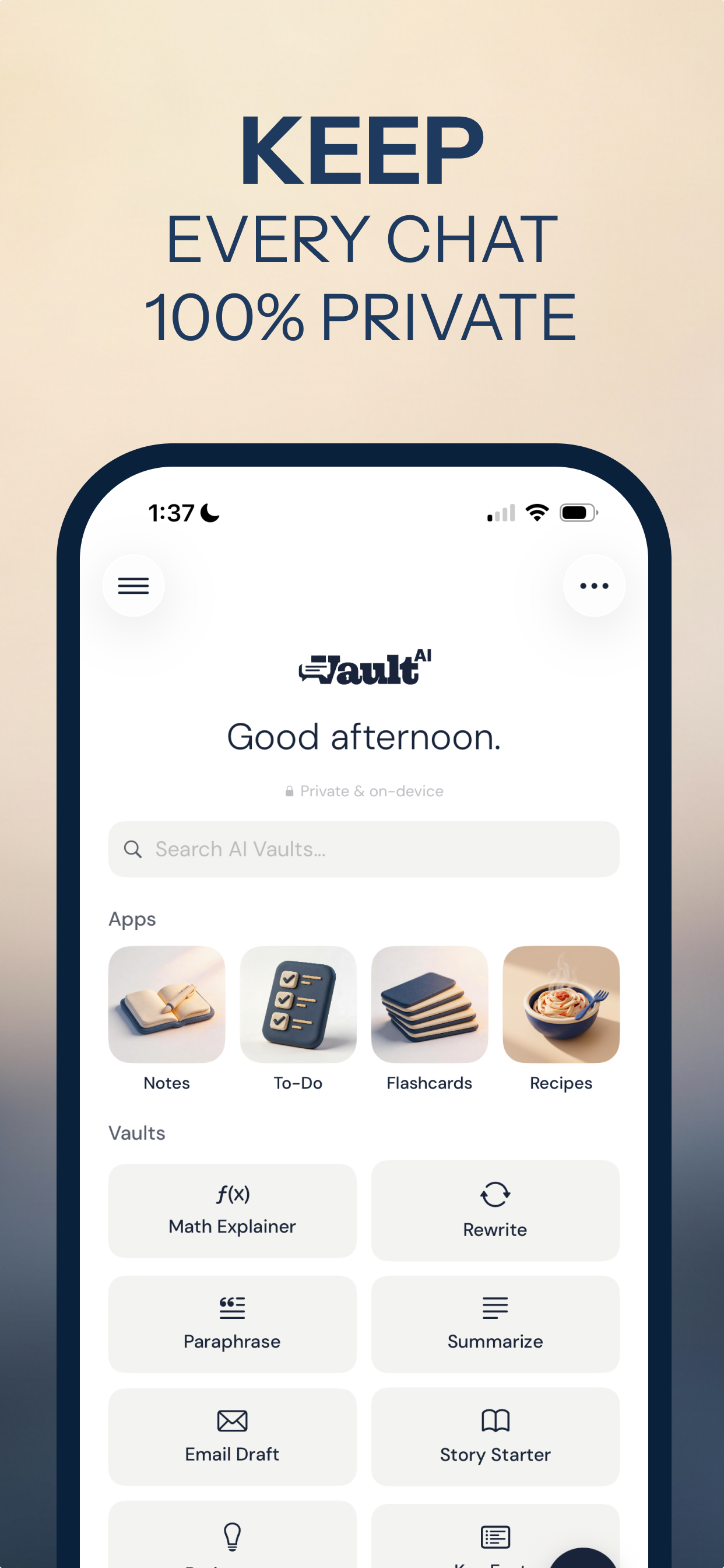
- Install Vault AI — free, no sign-up. It uses the model built into iOS, so setup is instant.
- Add a quick profile (optional). Name, job, dietary needs — stored only on your phone so answers fit you without exposing anything.
- Ask the private stuff. Draft the hard email, think through a personal decision, work out a health or money question — it stays on the device.
- Use the built-in apps. Private Notes, To-Do, Flashcards and Recipes all run the same on-device model.
The trade-off, stated honestly
An on-device model can't browse the live web, so it won't fetch today's news or real-time prices. What it's great at is the private, personal, everyday work — writing, thinking, summarizing, planning — the exact stuff you least want on someone else's servers.
Keep every conversation on your phone
Free to download · $2.99 one-time unlock · No subscription
Download Vault AI on the App Store