Offline Summarizer
An offline AI text summarizer that keeps your text private
Short answer: Paste long text into Vault AI and get a clean TL;DR or key-points summary in seconds — generated on your iPhone. It works offline, nothing is uploaded, and there's no account or per-summary paywall.
Whether it's a long email thread, a dense article, meeting notes, or a chapter you don't have time to read, a summarizer gets you the gist fast. Doing it on-device means you can summarize things you shouldn't paste into a random website — work documents, private notes, anything confidential.
Two ways people summarize
- TL;DR: a short paragraph capturing the whole thing.
- Key facts / bullets: the specific points, decisions, or action items pulled out.
Vault AI does both — pick the one that fits what you're reading.
How to summarize with Vault AI
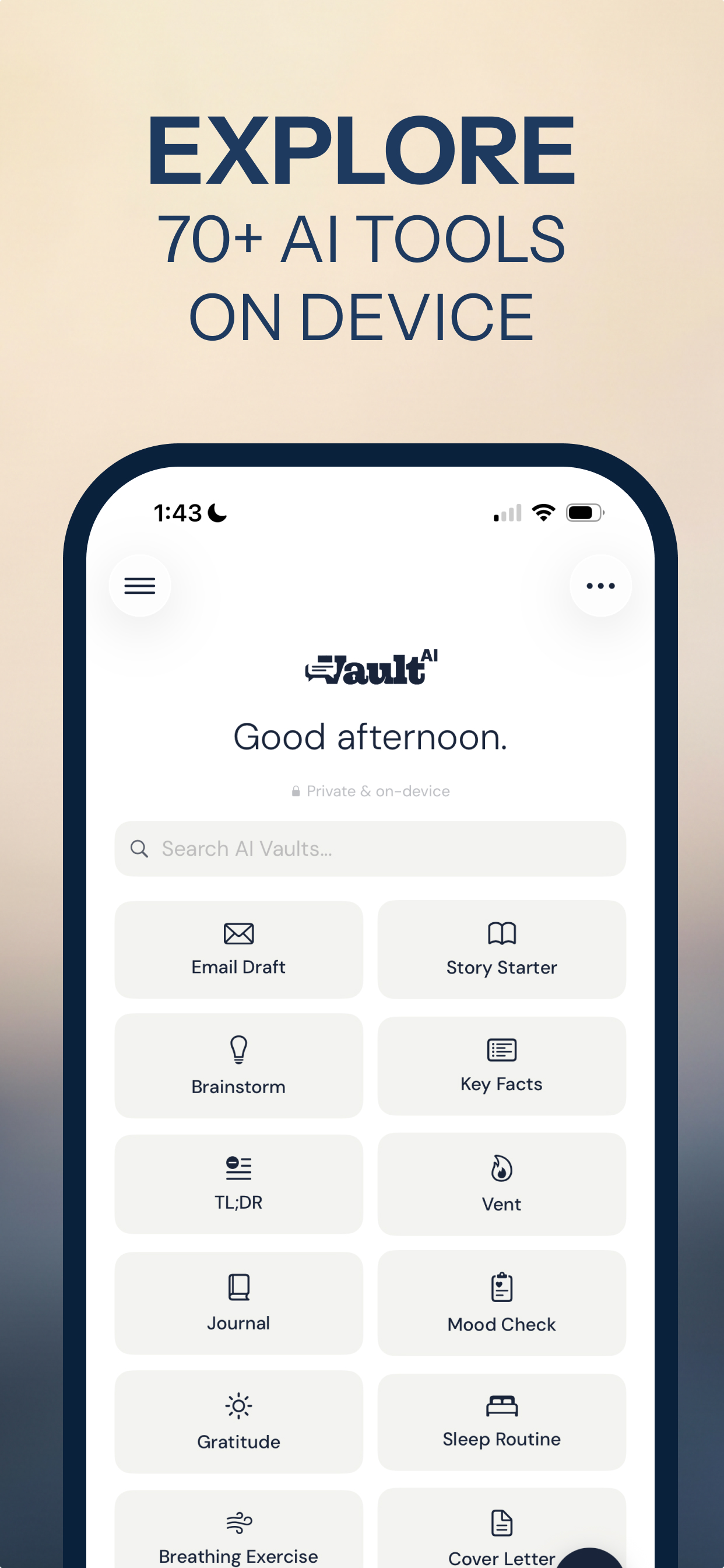
- Open the Summarize or TL;DR tool in Vault AI.
- Paste your text — an article, notes, an email chain, a transcript.
- Choose the format: a short summary, or key facts as bullets.
- Read the result, generated on your phone. Ask for it shorter or in plainer language if needed.
Summarize what you can't upload
Because everything runs on the device, you can safely summarize sensitive material — a legal clause, a medical letter, an internal doc — without it ever leaving your iPhone. It works on airplane mode too.
Get the gist — privately
Free to download · $2.99 one-time unlock · No subscription
Download Vault AI on the App Store