Method
Give it the text, not the question
Most people learned how to use AI on a cloud chatbot, and the habits they picked up there are search-engine habits: type a question, get an answer, ask a follow-up. Those habits transfer badly to a model that lives on your phone.
Not because a small model is worse at everything. It isn't. It's lopsided in one specific, predictable way, and the requests that work are the ones that lean into that shape instead of fighting it.
The mechanism is covered in why a small model forgets facts but never forgets how to write. The short version: model weights are a lossy compression of what the model was trained on. Language skill survives the shrinking well. Specific facts don't. Everything below is one idea applied five ways — move the knowledge out of the model and into your request.
1. Paste first, ask second
Compare two requests. "What should I watch out for in an apartment lease?" asks the model to remember. "Here's my lease — list every date, fee and penalty in it" asks the model to read.
The first invites a plausible, generic answer that may or may not apply to you, and may or may not be right. The second has far fewer ways to go wrong, and the ones it has — a missed clause, a misread number — you can catch by glancing at the page in front of you.
The same move works for writing. "How do I reply to a landlord asking about early move-out?" is a knowledge request. Paste the landlord's actual message, add "I want to agree but ask for the full deposit back," and it becomes a transformation request — the kind a small model is genuinely good at.
2. One job per request
Small models handle a single clear instruction well and get muddier as instructions stack. "Summarize this, make it friendlier, turn it into a checklist and translate it into Spanish" is four jobs competing for the same attention.
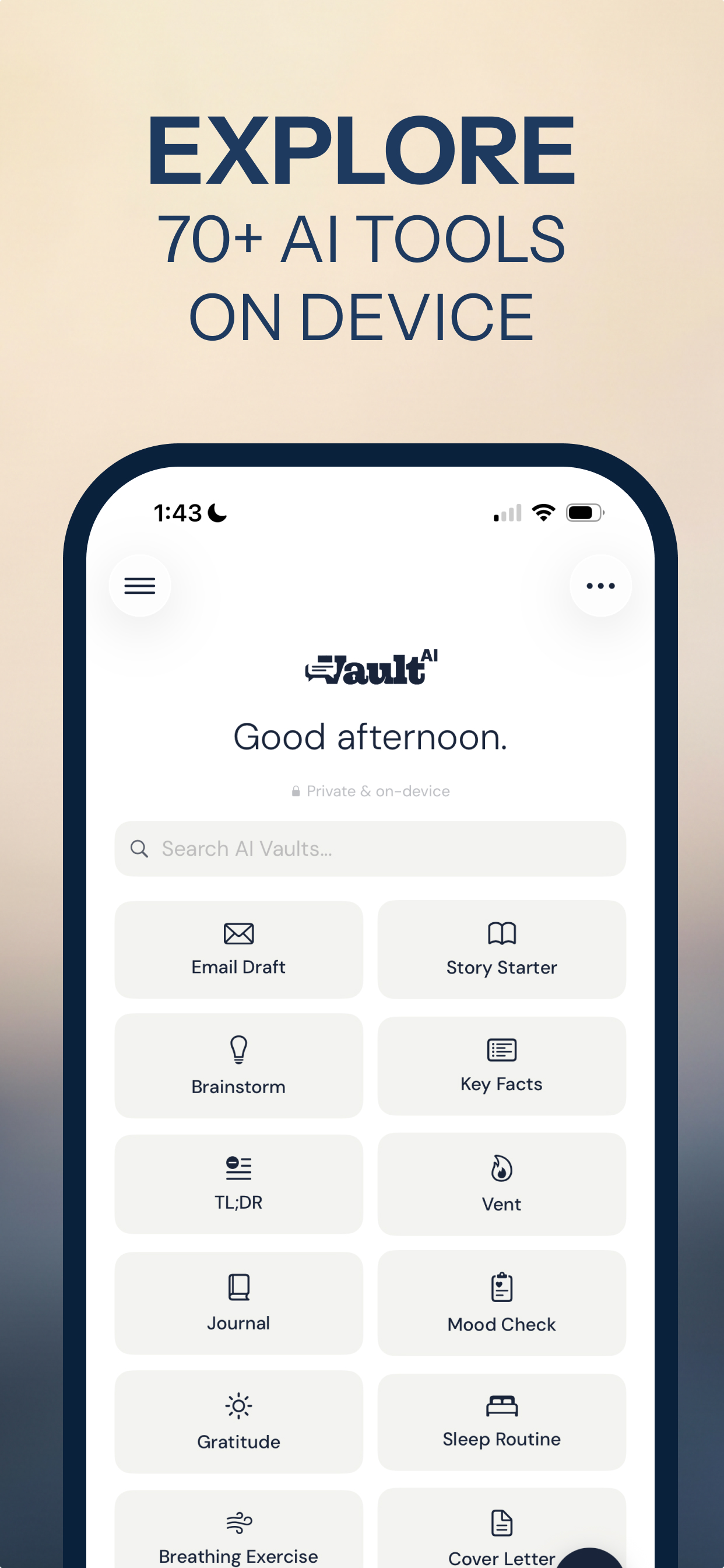
Chain them instead. Summarize. Read the summary. Then ask for the checklist. It's a few more taps and far fewer do-overs. It's also why Vault AI is built as purpose-built tools — Email Draft, Summarize, Rewrite, Flashcards and the rest — rather than one blank chat box. Each tool is one job with the framing already set.
3. Say who it's for, and how long
The model can't see your situation. "Make this shorter" leaves it guessing at how short and for whom. "Cut this to three sentences for a manager who'll read it on a phone" doesn't.
Audience, length and tone are all things you know and the model doesn't — and none of them require world knowledge, which is exactly why a small model follows them well. Vault AI's on-device profile (your name, job and preferences) fills in some of this automatically, but a one-line "for whom" still does more than any clever phrasing.
4. Feed it a chapter, not a book
Context windows on a phone are smaller than in the cloud. Paste something very long and the model either can't take all of it or loses track of the early parts.
Split long material into sections, summarize each, then summarize the summaries. That works well for reports, meeting notes and study material — it's the approach in the offline summarizer guide and the natural input for turning notes into flashcards. The honest concession: if the task genuinely needs a 300-page document held in view all at once, that's a cloud job.
5. Anything it adds is unverified
Here's the rule that keeps you out of trouble. When the output rearranges what you pasted, it's working from your source. When the output contains something that wasn't in your source — a date, a figure, a name, a legal rule — that came from the model's memory, which is precisely the part that got compressed.
Treat those additions as unverified. It helps to say so up front: "use only the text above, and say if something isn't in it." That narrows the problem. It doesn't make invention impossible, so anything that matters still gets checked.
The cheat sheet
- Paste the material. The email, the notes, the document. Then give the instruction.
- One job at a time. Chain steps instead of stacking them.
- Name the reader and the length. "For my manager, three sentences."
- Chunk long documents. Summarize sections, then combine.
- Restrict it to your source. "Only use what's above."
- Check anything new. Facts that weren't in your text came from memory.
Where this stops working
None of this turns a small model into an encyclopedia. If what you need is knowledge — current events, research, deep technical recall, long chains of reasoning, serious code — there's no request phrasing that fixes a model that doesn't have the information. The cloud is genuinely better at those, and the capability map in what on-device AI can actually do is blunt about it. Keep one cloud assistant for that work; what doesn't make sense is paying monthly for several.
Why the habit pays off twice
Once you work this way, the model needs your real material to do its job — your actual email, your actual lease, your actual medical letter. That's exactly the text you'd hesitate to paste into a cloud service, because everything you type there becomes a copy.
On device, that hesitation goes away. You paste the real thing, unredacted, and it never leaves the phone. The method that gets better answers out of a small model is also the one that only makes sense when the model is yours.
Hand it the text. Keep the text on your phone.
Free to download · $2.99 one-time unlock · No subscription
Download Vault AI on the App Store