Capability
What on-device AI can actually do in 2026
The discourse around this is unhelpfully binary. One side says local models are toys. The other says you'll never need the cloud again. Both are selling something. Here's the actual shape of it.
The one distinction that explains everything
Split every AI request into two categories:
Transformation tasks — you supply the content, the model changes its form. Rewrite this email. Summarize these notes. Turn this paragraph into bullets. Draft a reply to this. Make this sound less blunt. Pull the action items out of this. Explain this passage more simply. The information is already in the prompt; the model is doing language work on it.
Knowledge tasks — you supply a question, the model supplies the content. What year did X happen? What's the dosage for Y? Who won last night? What's the syntax for this obscure library function? The model has to retrieve something, either from its training or from the web.
Model size affects knowledge tasks enormously and transformation tasks far less. A smaller model has less stored in it, so it recalls less and hallucinates more when pushed on facts. But rewriting a paragraph well is a language skill, and language skill saturates much earlier than knowledge does.
That's why a model that fits on a phone can feel roughly as good as the cloud for half your usage and noticeably worse for the other half — and why which half you live in determines whether you need a subscription.
What a phone model does well
- Rewriting and tone shifting. Shorter, warmer, more formal, less passive-aggressive. Genuinely strong here.
- Summarizing text you paste in. The source material is right there, so there's nothing to recall.
- Drafting replies and messages. Give it the incoming message and your intent; you get a solid first pass.
- Extraction and restructuring. Pull the dates out. Turn this into a checklist. Make a study set from these notes.
- Brainstorming and lists. Twenty names, ten angles, five approaches. Volume with variety, which small models do fine.
- Explaining a concept you supply. Paste the confusing paragraph and ask for it in plain language.
- Short translation. Common language pairs, everyday phrasing.
Where it falls short — plainly
- Anything current. No internet means no news, no prices, no scores, no live anything. Not a limitation to work around; it's the design.
- Deep factual recall. Specific dates, statistics, citations, technical minutiae. A smaller model is more likely to produce something plausible and wrong. Verify anything that matters.
- Long multi-step reasoning. Complex proofs, intricate debugging, problems requiring many chained inferences. This is where frontier models earn their price.
- Very long documents. Context windows on device are smaller. Feed it a chapter, not a book.
- Heavy code generation. Fine for a snippet or an explanation. Not a substitute for a coding assistant on a real project.
Two things people don't expect
It's faster. No round trip to a data center, no queue, no rate limit. For short tasks, local frequently returns before a cloud request would have finished connecting.
You ask it different things. This is the effect people notice within a week. When nothing is uploaded, the category of question changes — the medical worry, the awkward message to a family member, the salary question, the draft you'd be embarrassed to have logged. Those are the questions people quietly don't ask a cloud assistant. More on that in everything you type into a cloud AI becomes a copy.
The practical setup
The sane configuration for most people isn't all-local or all-cloud. It's:
- On-device by default for the everyday transformation work — which is most of it — because it's instant, free after the first purchase, and private.
- One cloud assistant kept for the genuinely hard cases: research needing live data, long analysis, serious coding.
- Nothing else. The stacked mid-tier subscriptions are the waste. We did that math in the AI subscription bill is getting absurd.
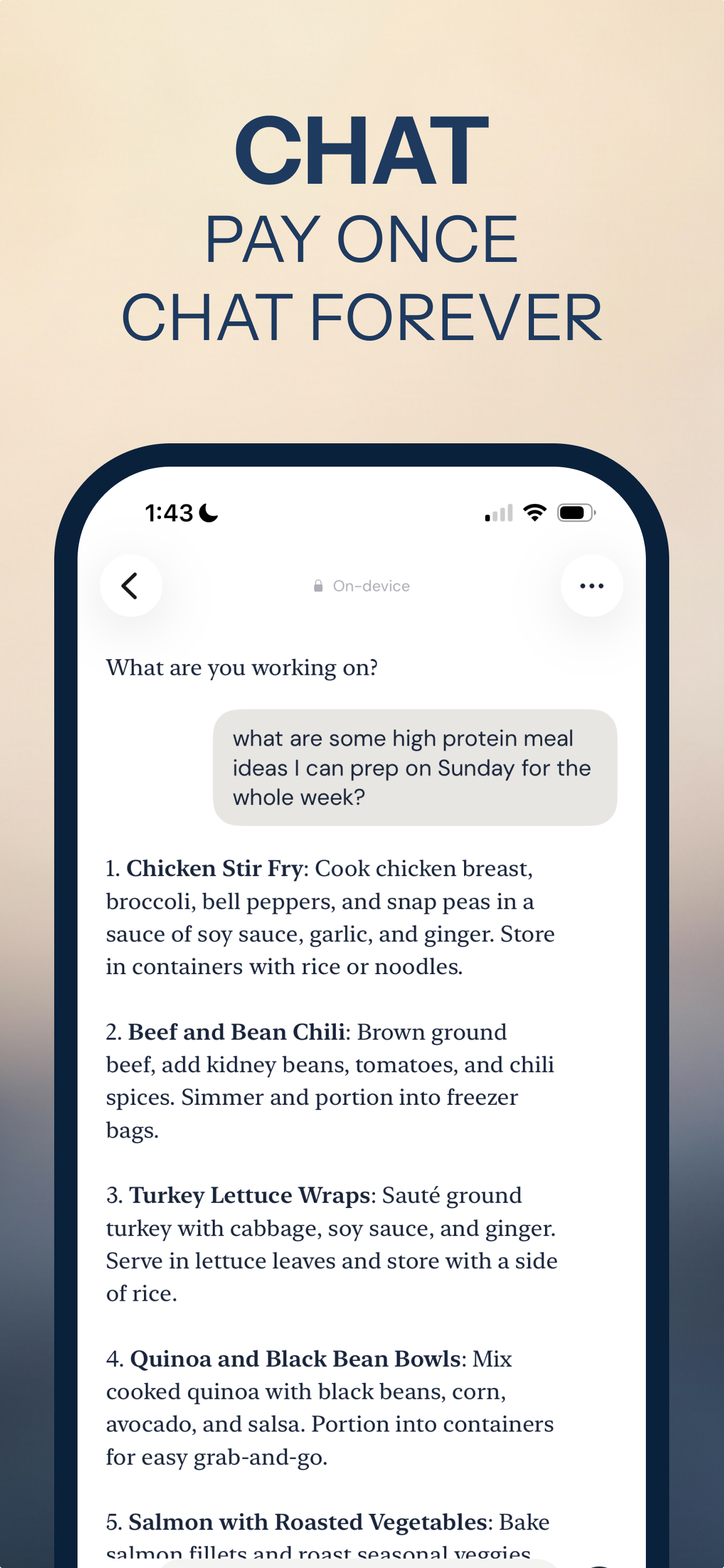
Vault AI is built for the first slot: it runs on the Apple Intelligence model already on your iPhone, with 70+ purpose-built tools plus Notes, To-Do, Flashcards and Recipes, all working with the radios off. Free to download, $2.99 one-time unlock, no account.
The honest summary
If you mainly use AI to know things, you need the cloud. If you mainly use it to do things to text you already have, you've been paying monthly for something sitting in your pocket.
Try the offline half of your AI usage
Free to download · $2.99 one-time unlock · No subscription
Download Vault AI on the App Store