Works Without Internet
AI that works without internet — flights, travel, dead zones
Short answer: Yes, you can use AI with no internet. Apps that run the model on your device work with WiFi and cellular completely off. Vault AI uses Apple Intelligence on your iPhone, so it keeps working on a flight, abroad with no data, or anywhere without a signal.
The moment you need AI most is often the moment you have no connection — mid-flight trying to draft something, on a train writing an email, hiking and want to plan a meal, or traveling without a data plan. Cloud chatbots just spin. On-device AI doesn't care.
When "no internet" AI actually matters
- Flights. Draft, brainstorm, or study for the whole flight with airplane mode on.
- Travel abroad. No roaming or local SIM needed to use your assistant.
- Dead zones. Subways, tunnels, remote trails, big venues, basements.
- Spotty WiFi. No waiting on a server round-trip that keeps timing out.
How to use Vault AI with no connection
- Download Vault AI before you go — one free download over WiFi and you're ready. It uses the model built into iOS, so there's nothing else to fetch.
- Switch on airplane mode. No WiFi, no cellular — doesn't matter.
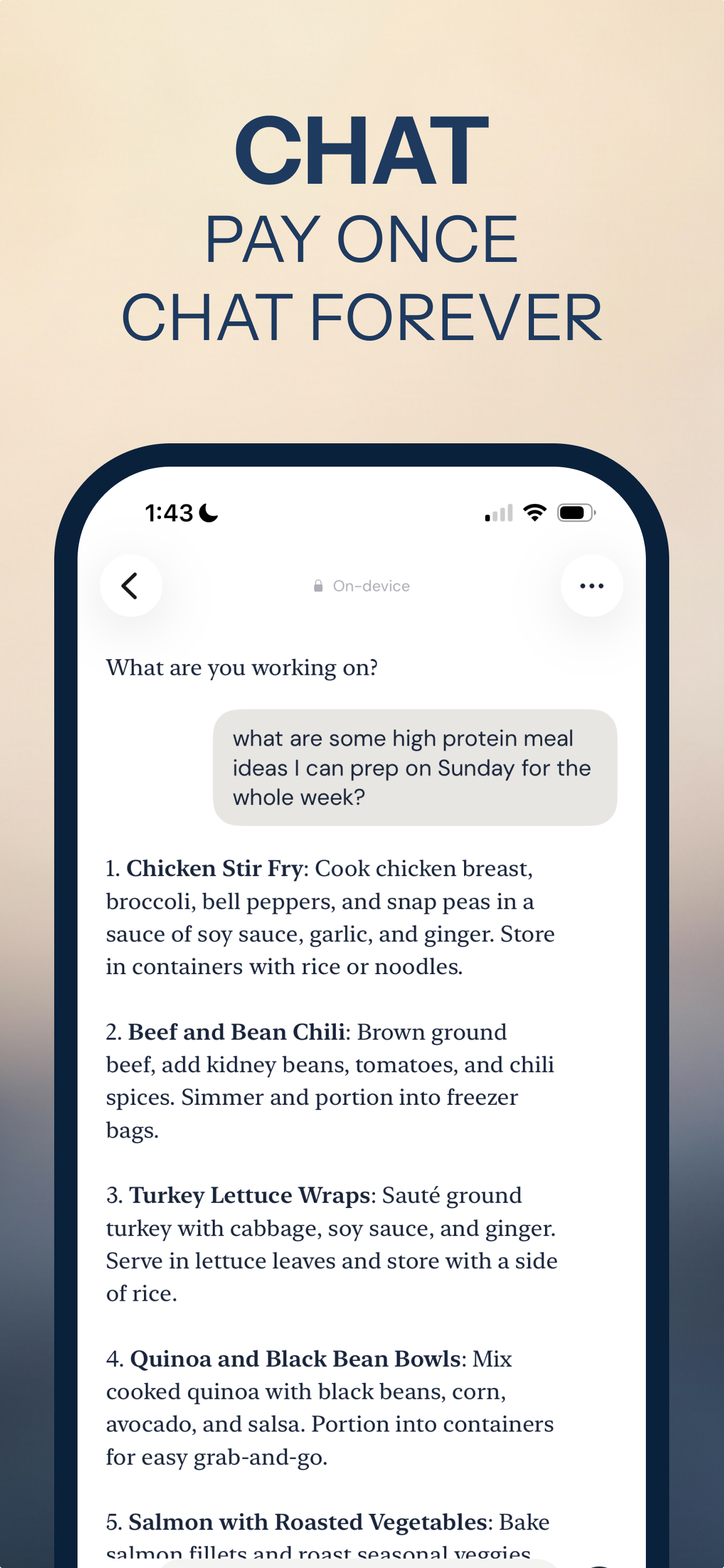
- Use any tool. Chat, write, summarize, make flashcards, plan meals — it all runs on the device.
What still needs a connection (nothing, mostly)
Vault AI's tools run offline. The only thing an on-device model can't do is look up live information from the web — for that you'd need a connection. Everything else — writing, editing, studying, planning, thinking — works with the internet fully off.
Take your AI off the grid
Free to download · $2.99 one-time unlock · No subscription
Download Vault AI on the App Store